New features, new cameras and small things that make card offload calmer. Follow along on LinkedIn.
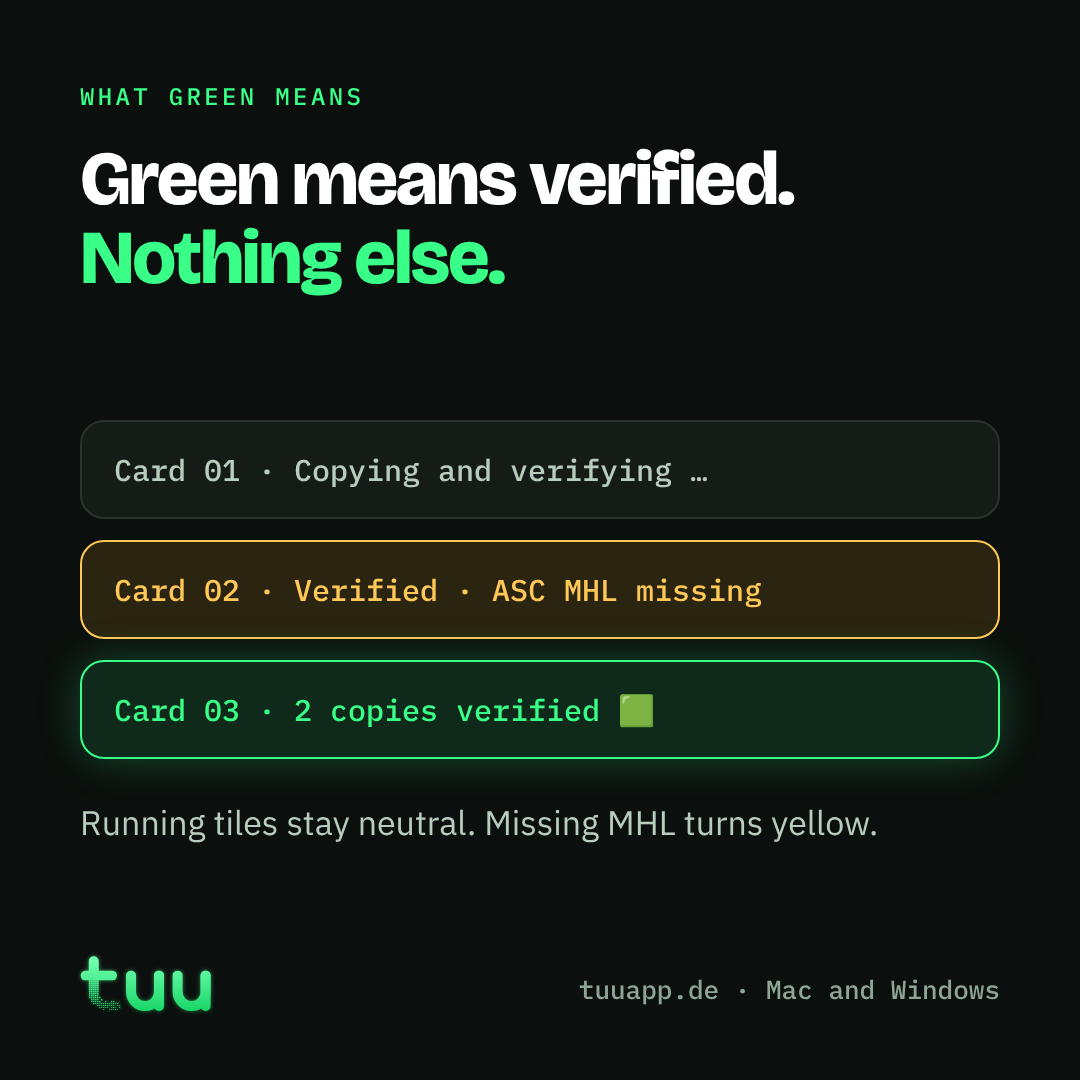
Green means verified. Nothing else.
In tuu, a running tile stays neutral. It turns green only after every copy has been read back and matched against its checksum – and after the log entry is written. If ASC MHL or the offload certificate fails, the tile turns yellow: “Verified · ASC MHL missing”. A missing drive shows red at once, and the card waits until it is back.
One colour you can trust at a glance, on Mac and Windows.
How long until green? Now you know.
Every running tile in tuu shows data rate and time left – “Copying and verifying … 410 MB/s · 2 min left”. Running tiles stay neutral. Green only when every copy is read back and verified.
Mac and Windows.
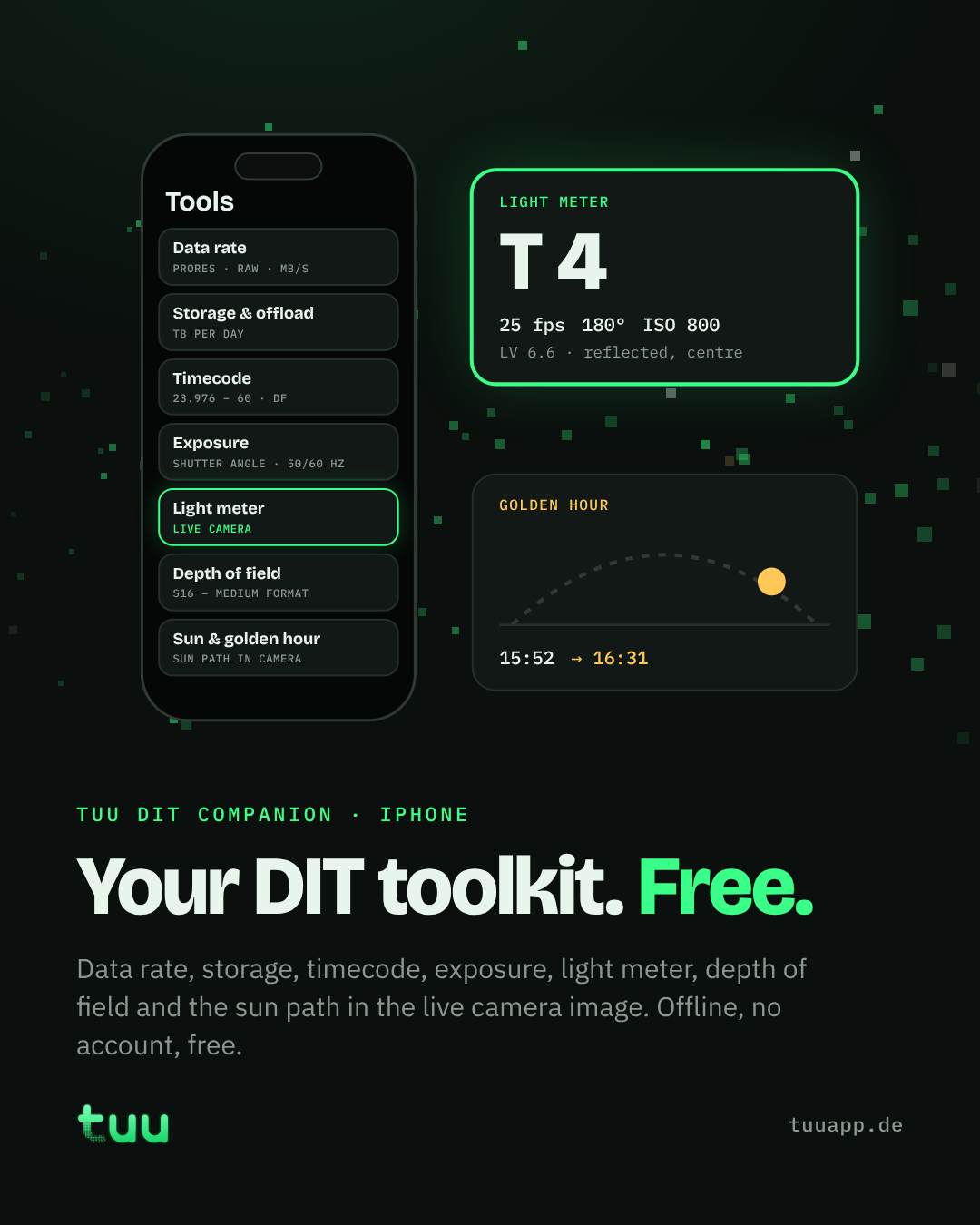
Sun path in your live camera. Flicker-free angles. Drop-frame timecode. Free.
tuu DIT Companion for iPhone: 11 tools for set – offline, no account. Pair it with tuu on Mac or Windows and watch every card live.
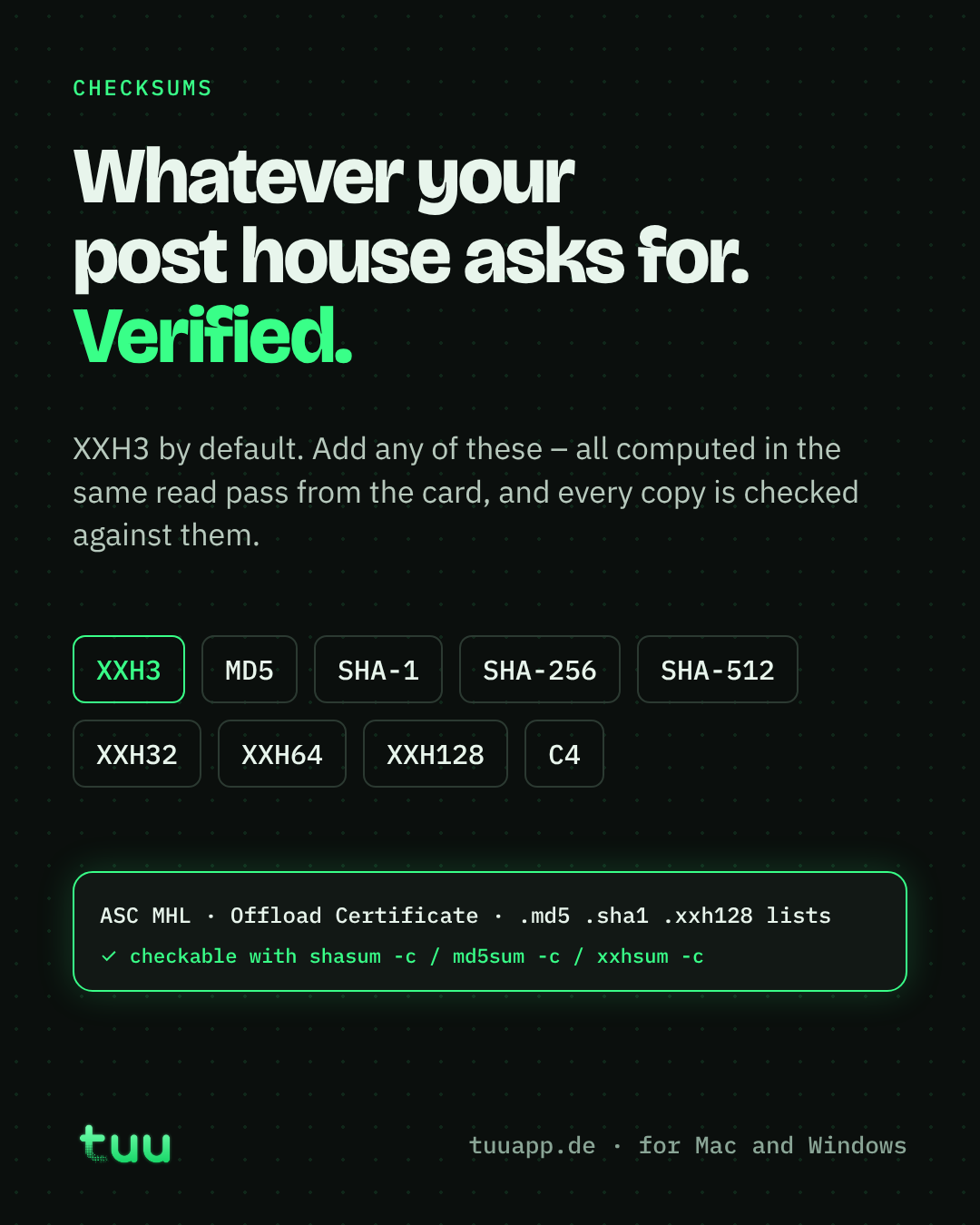
Your post house wants MD5. The studio wants SHA-1. You want xxHash.
tuu verifies with XXH3 by default and adds any of MD5, SHA-1, SHA-256, SHA-512, XXH32, XXH64, XXH128 and C4 – all computed in the same read pass from the card, and every copy is checked against each of them. ASC MHL, offload certificate and checksum lists you can verify with shasum -c, md5sum -c or xxhsum -c.
For Mac and Windows.
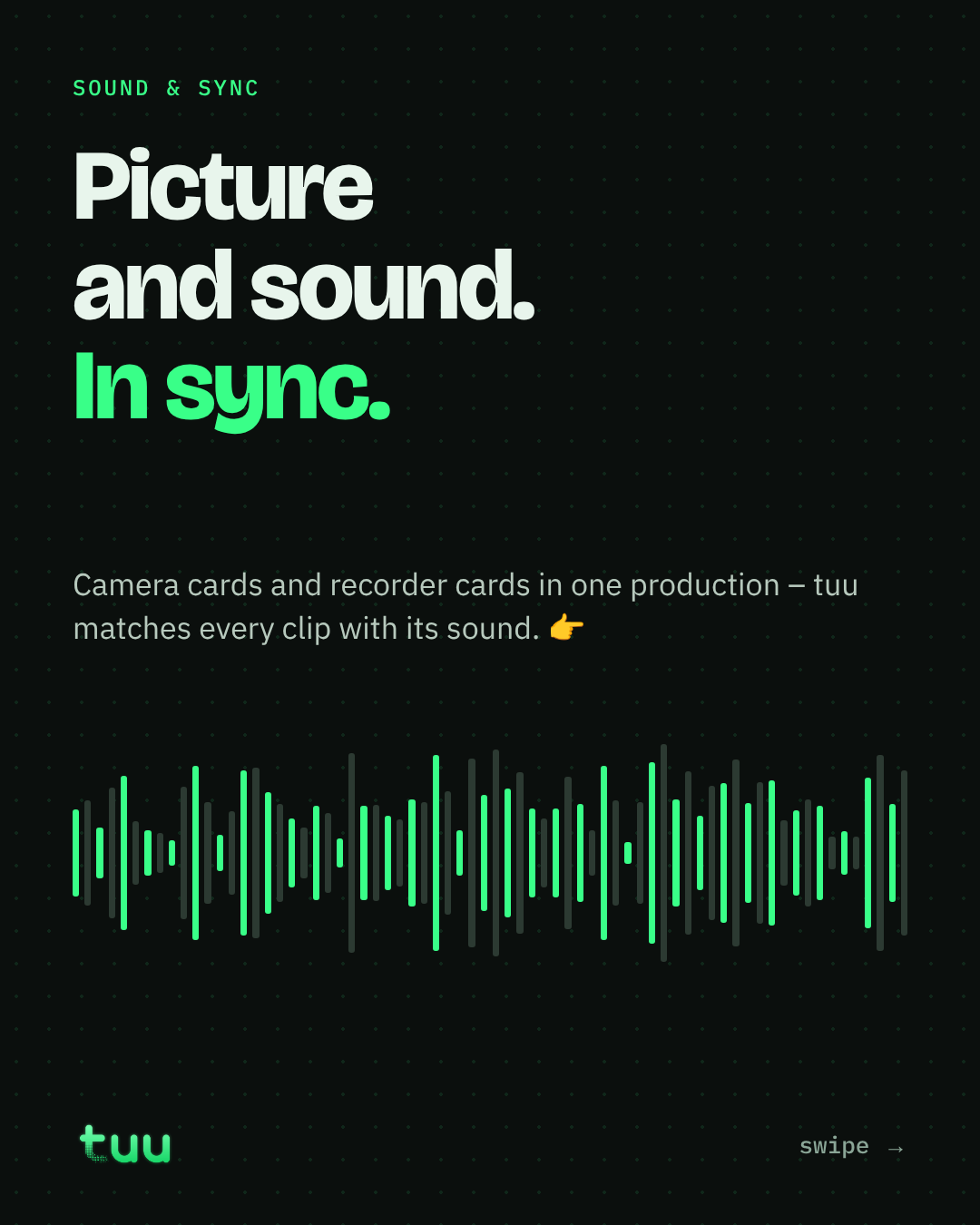
Picture and sound. In sync.
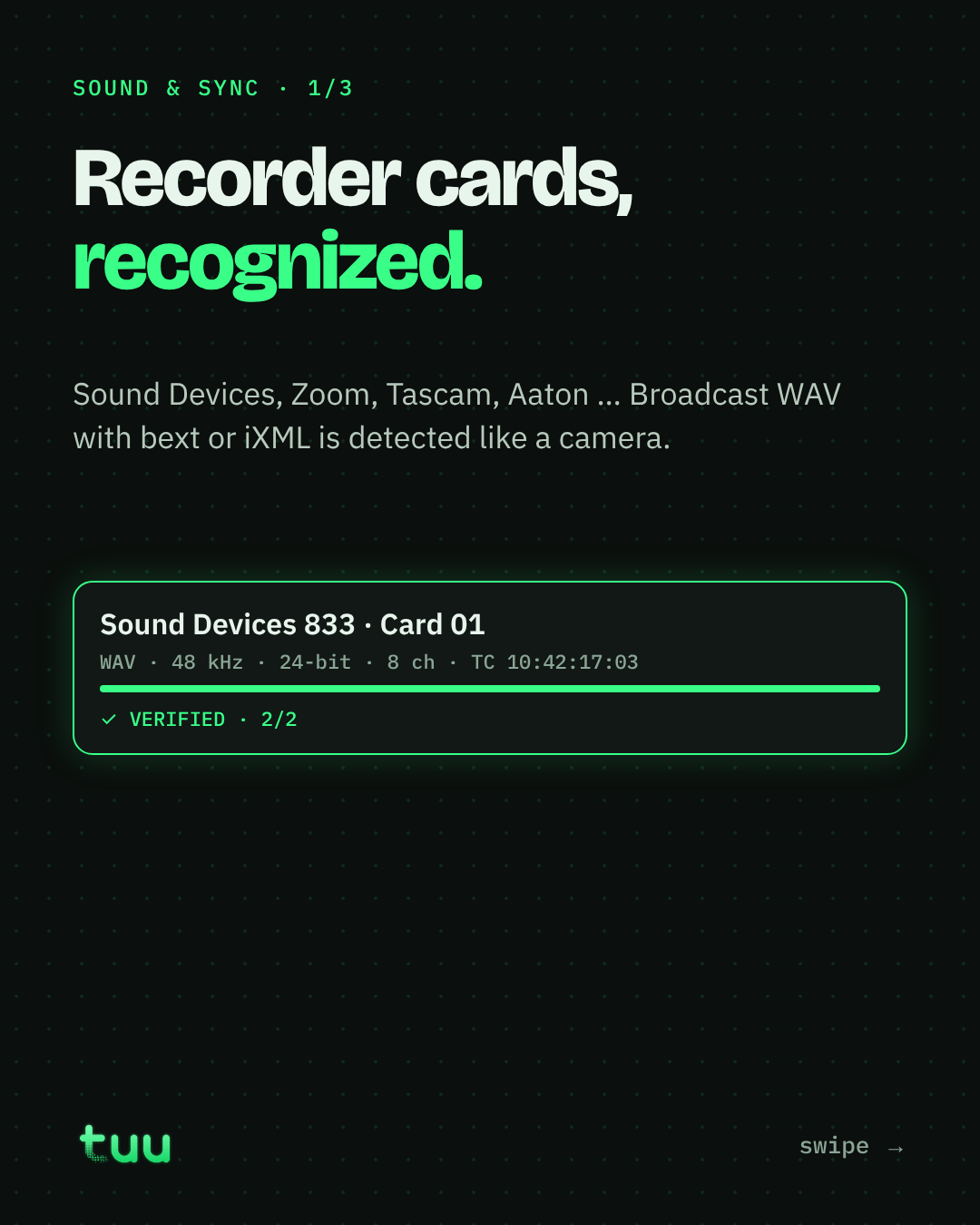
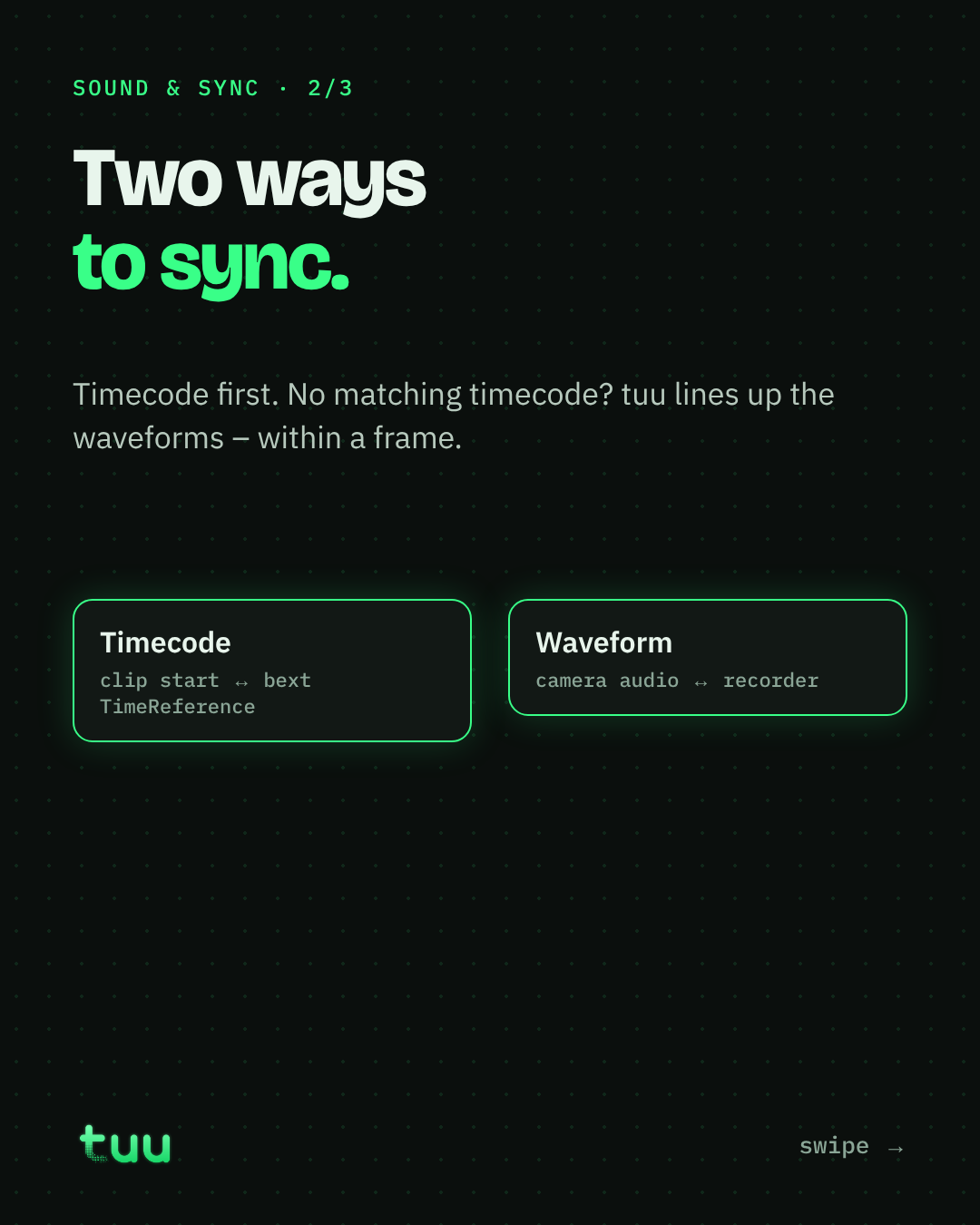
tuu detects recorder cards – Broadcast WAV with bext or iXML – just like cameras, and matches every clip with its sound across the whole production. Timecode first, waveform when there's no match.
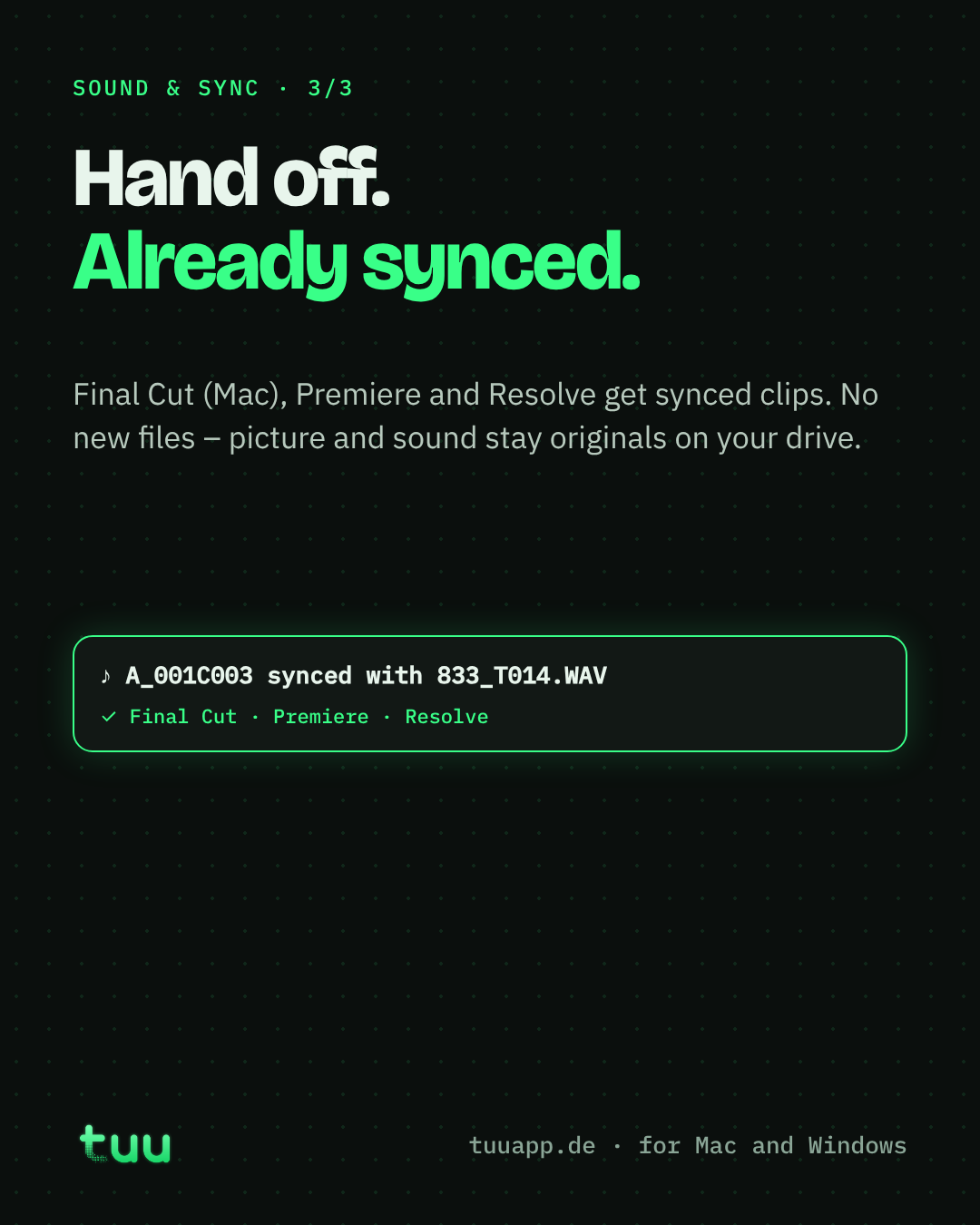
Final Cut, Premiere and Resolve get synced clips. No new files – the originals stay on your drive.
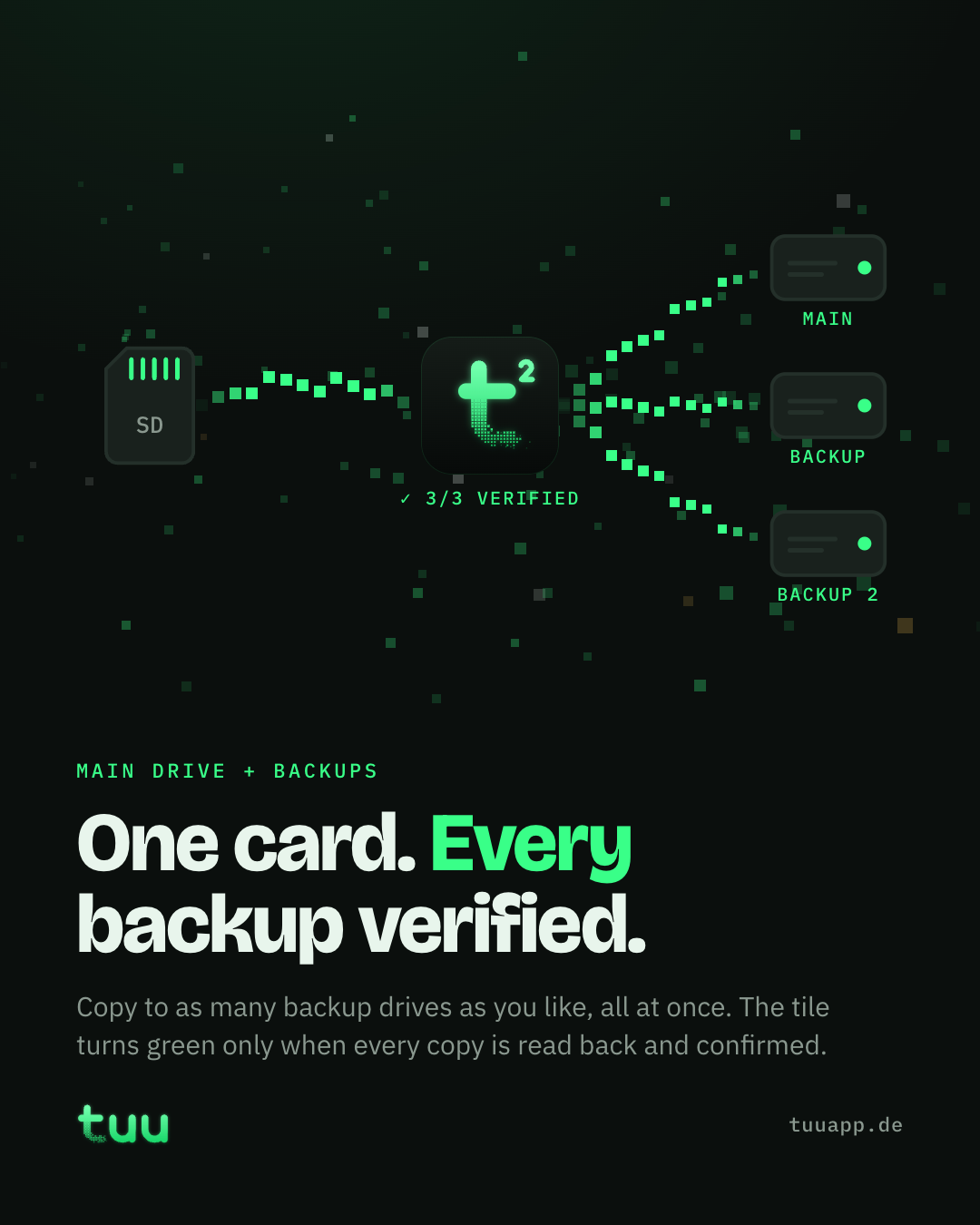
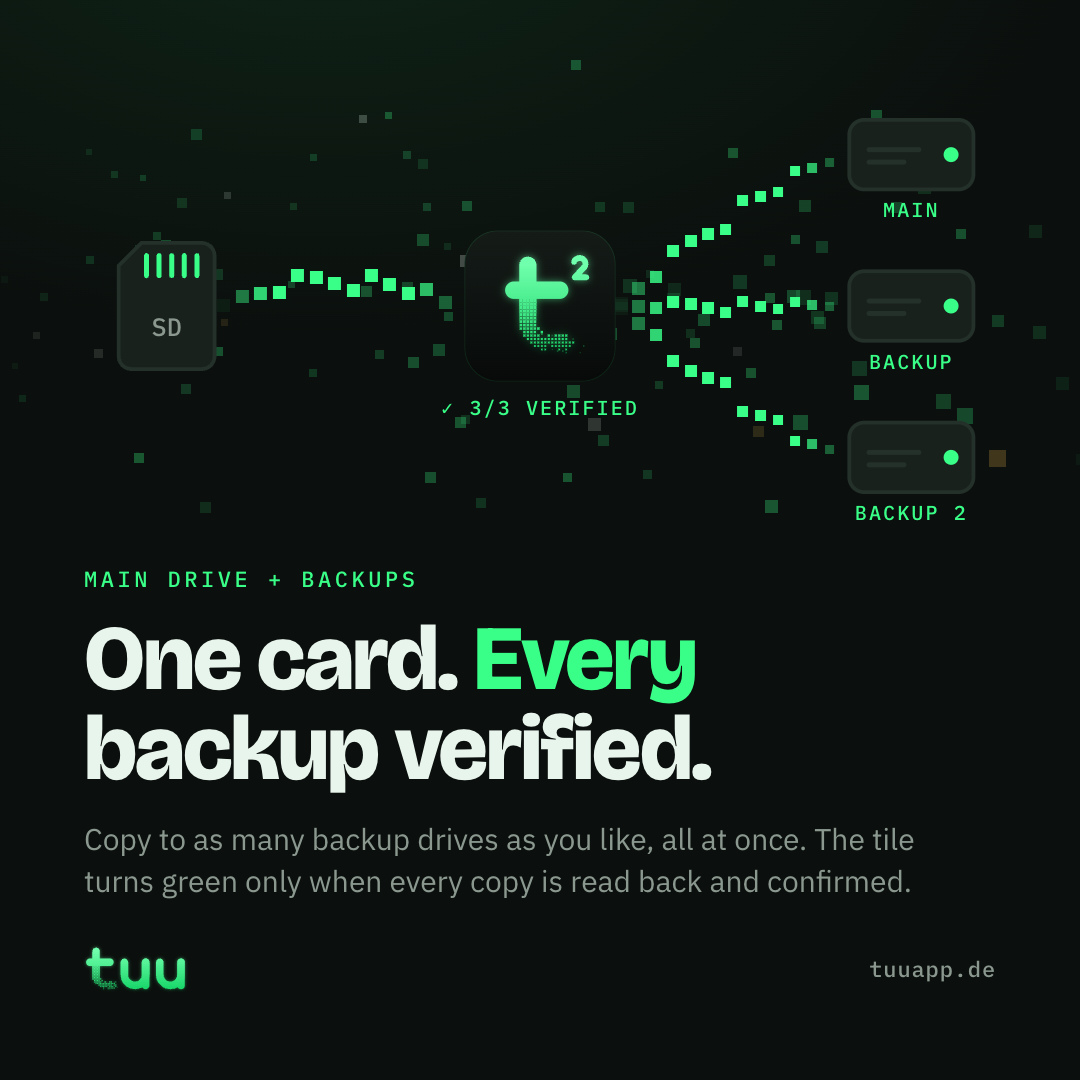
One card. Every backup verified.
Copy to your main drive and as many backups as you like, all at once. The tile turns green only when every copy is read back and confirmed.
tuu now runs on Windows.
Same card offload as on the Mac: tuu recognizes camera and operator, copies to your main drive and every backup at once and reads every file back. Green means every copy is verified. ASC MHL and an offload certificate on every drive, a client report as PDF, Excel or CSV, and a handoff to Premiere and Resolve (Final Cut on the Mac).
Copying a card isn't the job. Knowing every copy is good is.
tuu copies each card to your main drive and as many backups as you like at the same time, then reads every file back. The tile turns green only when every copy is verified. ASC MHL and an offload certificate land on every drive.
For Mac, Windows coming soon.
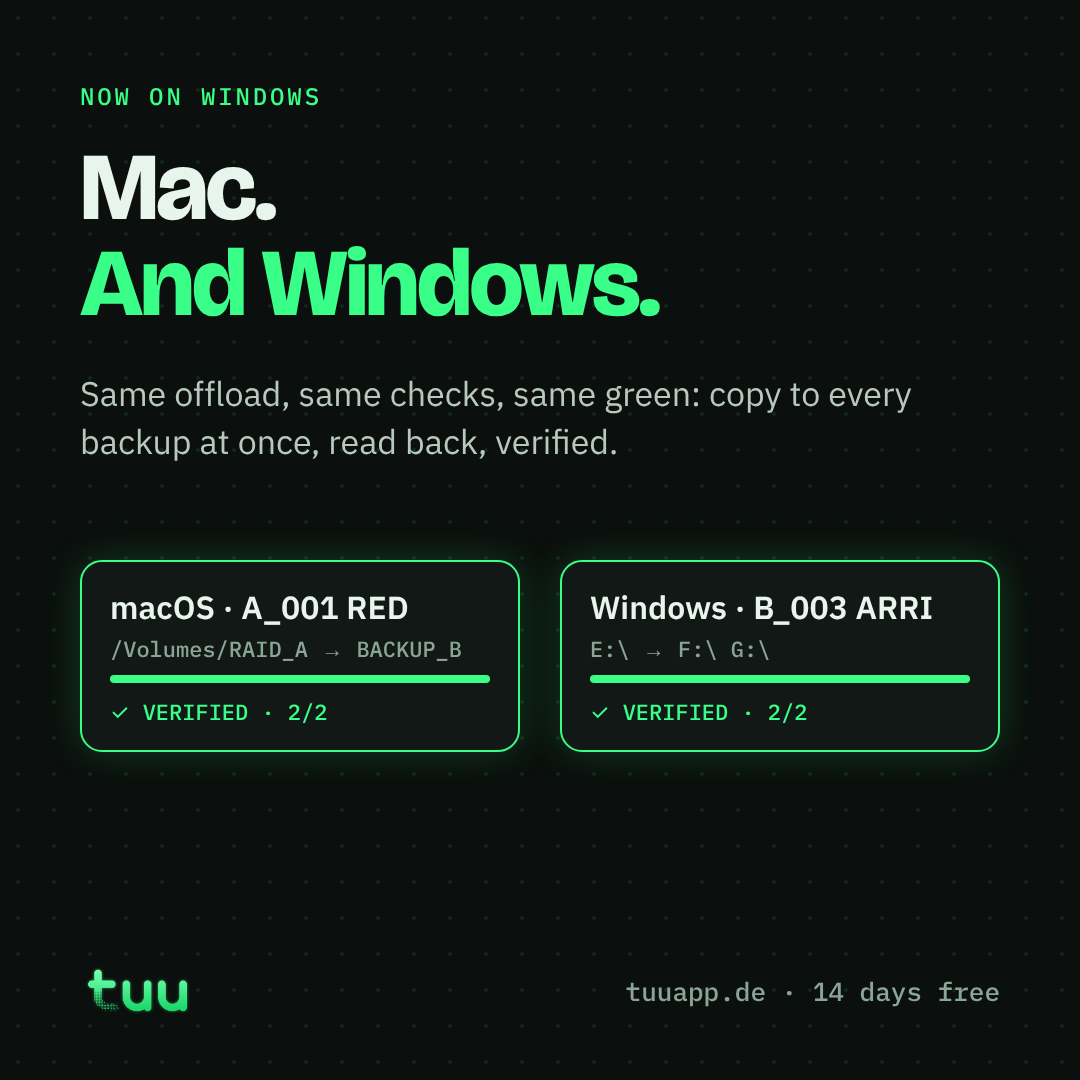
Mac. And Windows. Green.
tuu is now available for Windows too. Same offload, same checks: copy each card to your main drive and every backup at once, read every file back, ASC MHL and a client report.
Your DIT toolkit. Free.
tuu DIT Companion for iPhone: data rate, storage & offload, upload time, timecode with drop frame, exposure and flicker-free angles, frame lines, light meter, depth of field, long exposure ND, sun path in the live camera image and checklists.
Offline, no account, free. Pair it with tuu on your Mac and see every card live.
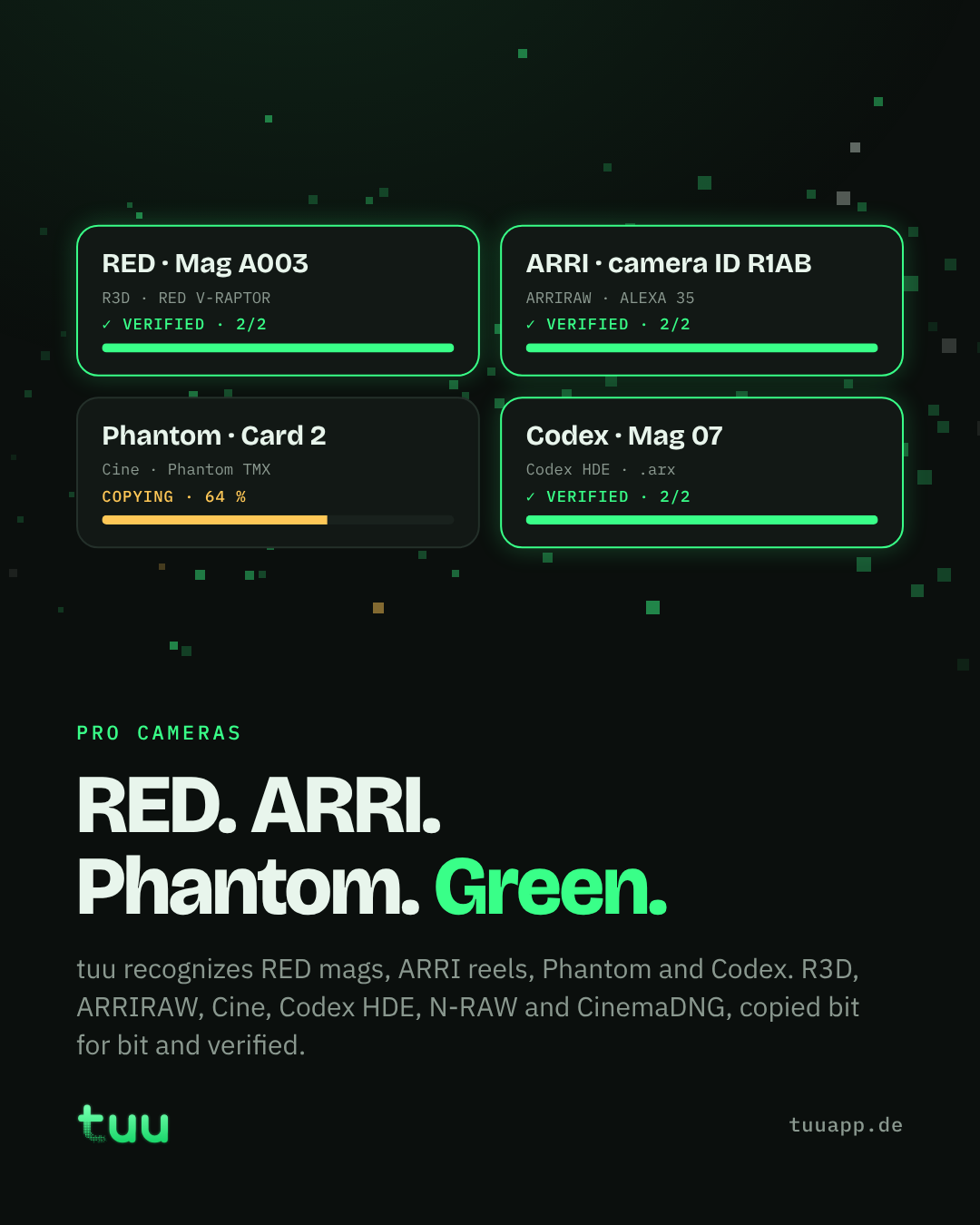
RED. ARRI. Phantom. Green.
tuu now recognizes RED mags, ARRI reels (ALEXA 35, Mini, LF), Phantom and Codex. R3D, ARRIRAW, Cine, Codex HDE, N-RAW and CinemaDNG are copied bit for bit and verified on every drive.
For Mac and Windows.
tuu is now available for Mac and Windows.
Insert a card: tuu recognizes camera and operator, copies to your main drive and every backup at once and reads every file back. Green means every copy is verified. ASC MHL and an offload certificate on every drive, a client report as PDF, Excel or CSV, and a handoff to Final Cut, Premiere and Resolve.
Insert the card. Green.
tuu is out now for Mac – Windows coming soon. Card offload with verified backups, ASC MHL and a client report.